What is Elizabeth Lin Prototyping with Cursor for Cheap?
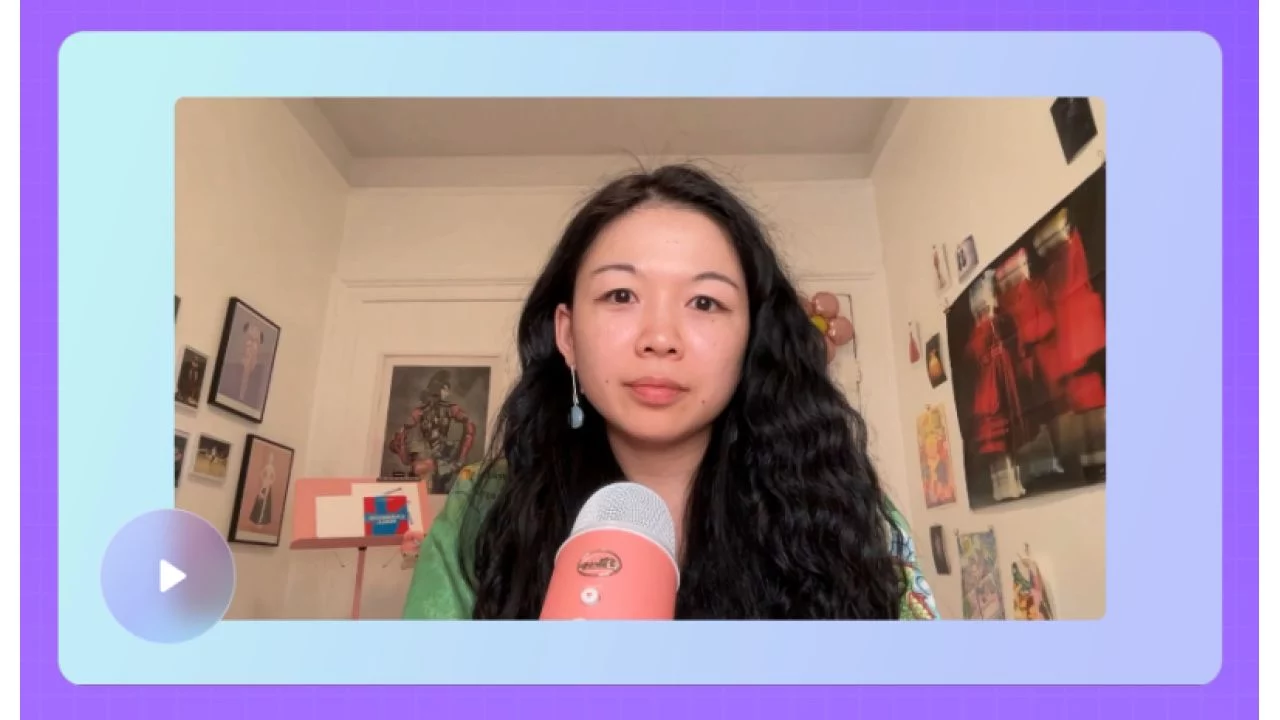
A self-paced online course taught by Elizabeth Lin
AI tools like Cursor are expanding what’s possible for designers and non-developers. Instead of spending hours manually crafting prototypes, you can now build interactive prototypes in minutes.
Whether you want to create a custom portfolio from scratch or build with components straight from your Figma design system, this course is a great fit for you!
Explore two ways of working with Cursor
- Creative exploration
How can Cursor be a creative partner in your work? What novel ideas can you generate with the help of an LLM? Design with a variety of visual styles, explore creative typography, and create a working piano.
- Technical execution
What are practical ways for using Cursor in your design process? Using a Model Context Protocol (MCP), convert a design system into components for building pixel perfect prototypes. Learn to build prototypes with real data.
What You’ll Learn In Prototyping with Cursor
- Foundations: Getting started
Learn the basics of Cursor, set up your development environment, and practice git basics.
- Project 01: Customize your homepage
Personalize your project’s landing page with visual styles and creative prompts.
- Lesson: Debugging 101
Master essential debugging techniques to fix errors in your code.
- Lesson: Deploy your website
Publish your projects to the web using Vercel.
- Project 02: Make a piano
Create a working interactive piano.
- Project 03: Play with type
Explore CSS typography effects and animations beyond traditional design tools.
- Lesson: Rules
Learn to create global and project-specific rules to guide Cursor’s behavior.
- Project 04: Note-taking interface
Create a window-based note app with rich text editing.
- Project 05: Digital bookshelf
Build a database-powered prototype using the Notion API.
- Lesson: Your first MCP
Connect Cursor to external apps like Figma using Model Context Protocol.
- Lesson: Start from scratch
Set up a Next.js project independently and connect it to GitHub.
- Project 06: Design library
Convert Figma design systems into reusable code components.
- Project 07: Remix an arcade game
Build a game using AI-generated starter templates.
▶️ SAMPLE:
▶️ SAMPLE:
Content Creator Prototyping with Cursor Index:
📁 00-Resources
📄 00-Resources.txt (30.00 B)
📁 01-1 Foundations
📄 01-Welcome to the course.mp4 (8.02 MB)
📄 01-Welcome.pdf (273.83 KB)
📄 02-Logistics.pdf (262.00 KB)
📄 03-Initial set up.pdf (729.74 KB)
📄 04-Chaotic typography.mp4 (2.37 MB)
📄 04-Intro to Cursor.docx (8.11 MB)
📄 04-Intro to Cursor.mp4 (26.03 MB)
📄 04-Note-taking interface- Demo.mp4 (2.45 MB)
📄 04-Piano demo- Full screen.mp4 (703.79 KB)
📄 05-Tips for prototyping with Cursor.docx (1.49 MB)
📄 05-Tips for prototyping with Cursor.mp4 (29.41 MB)
📄 05-Typography- Scale.mp4 (1.12 MB)
📄 06-Change your Cursor theme.mp4 (3.41 MB)
📄 06-Set up the repository.docx (2.51 MB)
📄 06-Set up the repository.mp4 (31.77 MB)
📄 07-Your new BFF- Cursor Agent.mp4 (36.62 MB)
📄 07-Your new BFF_ Cursor Agent.docx (2.27 MB)
📄 08-How to run your project.docx (2.39 MB)
📄 08-How to run your project.mp4 (23.84 MB)
📄 08-Run your project with terminal.mp4 (4.50 MB)
📄 09-The codebase.pdf (280.25 KB)
📁 02-2 Creative exploration
📄 01-1a Gain more context.mp4 (6.58 MB)
📄 01-1b Specific changes.mp4 (23.91 MB)
📄 01-1c Share an image for inspiration.mp4 (32.33 MB)
📄 01-1d Explore ambiguity.mp4 (26.41 MB)
📄 01-1e Give examples.mp4 (12.00 MB)
📄 01-1f Add an image.mp4 (46.73 MB)
📄 01-1h Ask Agent what to do.mp4 (68.94 MB)
📄 01-Project 1- Change the name.mp4 (9.00 MB)
📄 01-Project 1- Customize your homepage.mp4 (368.28 MB)
📄 01-Project 1- Experimenting with styles.mp4 (41.11 MB)
📄 01-Project_ Customize your homepage.docx (5.26 MB)
📄 02-Debugging 101.docx (1.95 MB)
📄 03-Deploy your website.docx (8.11 MB)
📄 03-Deploy your website.mp4 (24.42 MB)
📄 03-Save your code with Git.mp4 (38.82 MB)
📄 04-2b Explore sound effects.mp4 (21.47 MB)
📄 04-2c Add a visualization.mp4 (12.86 MB)
📄 04-2d Autoplay a tune.mp4 (58.64 MB)
📄 04-Deploy your piano.mp4 (20.59 MB)
📄 04-How to add a new prototype.mp4 (21.78 MB)
📄 04-Piano demo- Full screen.mp4 (642.37 KB)
📄 04-Piano demo.mp4 (2.57 MB)
📄 04-Project 2- Make a piano.mp4 (157.38 MB)
📄 04-Project_ Make a piano.docx (1.02 MB)
📄 04-a Tweak the visuals.mp4 (19.69 MB)
📄 04-courses by design is a party.mp4 (2.27 MB)
📄 05-Chaotic typography.mp4 (2.62 MB)
📄 05-Playing with type- Set up.mp4 (27.00 MB)
📄 05-Project- Playing with type.mp4 (86.83 MB)
📄 05-Project_ Play with type.docx (8.70 KB)
📄 05-Typography- 3D.mp4 (624.74 KB)
📄 05-Typography- Circular text.mp4 (1.02 MB)
📄 05-Typography- Glitch effect.mp4 (1.25 MB)
📄 05-Typography- Perspective.mp4 (1.54 MB)
📄 05-Typography- Scale.mp4 (1.17 MB)
📄 05-Typography- Text gradient.mp4 (613.16 KB)
📄 05-Typography- Variable.mp4 (908.72 KB)
📄 05-Typography- Wavy text.mp4 (1.06 MB)
📁 03-3 Technical execution
📄 01-Rules.docx (4.15 MB)
📄 02-Note-taking interface- Demo.mp4 (2.38 MB)
📄 02-Noted OS- Voice notes.mp4 (3.71 MB)
📄 02-Project- Noted OS Process.mp4 (84.05 MB)
📄 02-Project- Noted OS Set up.mp4 (88.25 MB)
📄 02-Project_ Build a note-taking interface.docx (2.74 MB)
📄 03-1a Bookshelf- Add filters.mp4 (17.90 MB)
📄 03-5b Bookshelf- New property.mp4 (43.89 MB)
📄 03-5b Bookshelf- Visualization.mp4 (30.21 MB)
📄 03-5c Bookshelf- Add a new book.mp4 (31.26 MB)
📄 03-Books.mp4 (2.39 MB)
📄 03-Create a bookshelf- Full set up.mp4 (110.94 MB)
📄 03-Create a digital bookshelf- Process.mp4 (144.88 MB)
📄 03-Edit the database.mp4 (7.56 MB)
📄 03-Environment variables in Vercel.mp4 (8.52 MB)
📄 03-Project_ Create a digital bookshelf.docx (13.73 MB)
📄 03-Step 1 Copy my database.mp4 (10.97 MB)
📄 03-Step 2 Build the foundation.mp4 (33.99 MB)
📄 03-Step 3 Create a env file.mp4 (15.37 MB)
📄 03-Step 4- Get the API key.mp4 (8.88 MB)
📄 03-Step 5 Connect the integration.mp4 (5.47 MB)
📄 03-Step 6 Add the database id.mp4 (6.01 MB)
📄 03-Using a mockup.mp4 (121.44 MB)
📄 03-Watch me debug.mp4 (23.51 MB)
📄 04-How to use the MCP server.mp4 (21.81 MB)
📄 04-Set up the Figma Context MCP.mp4 (57.49 MB)
📄 04-Your first MCP.docx (6.65 MB)
📄 05-Connect to GitHub.mp4 (13.92 MB)
📄 05-Create a new Nextjs project.mp4 (18.69 MB)
📄 05-Run your project.mp4 (8.01 MB)
📄 05-Start a project from scratch.docx (4.05 MB)
📄 06-1 Craft a design library- Setup.mp4 (11.58 MB)
📄 06-2 Project rules.mp4 (15.70 MB)
📄 06-3 Craft a design library- Figma design library.mp4 (9.54 MB)
📄 06-4 Defining typography.mp4 (25.12 MB)
📄 06-5 Defining color.mp4 (67.24 MB)
📄 06-6 Defining size.mp4 (18.38 MB)
📄 06-7 Implementing an icon library.mp4 (19.32 MB)
📄 06-8 Your first component.mp4 (35.54 MB)
📄 06-Project_ Craft a design library.docx (13.31 MB)
📄 07-Project- Remix an arcade game.mp4 (39.31 MB)
📄 07-Project_ Remix an arcade game.docx (3.76 MB)
📄 08-Whats next.docx (1.00 MB)
📁 04-Appendix
📄 01-Glossary.pdf (318.57 KB)
📄 02-Prompting cheat sheet.pdf (411.47 KB)
📄 03-Reference images.pdf (1.08 MB)
📄 04-Course idea log.pdf (91.65 KB)
 Feel free to reach out to our CHAT support for personalized assistance and detailed information tailored to your needs. We’re here to help!